AI in ArcGIS
Esri UC AI Summit
Last week, I’ve been lucky enough to attend some sessions of the Esri User Conference in San Diego, California - if only remotely. One of the most exciting topics was the integration of AI into the various parts of ArcGIS, presented at length during the “AI Summit”.
Analysis, assistance and automation are the three main areas where AI is being integrated into ArcGIS, and I want to give a brief overview of what I learned.
Analysis
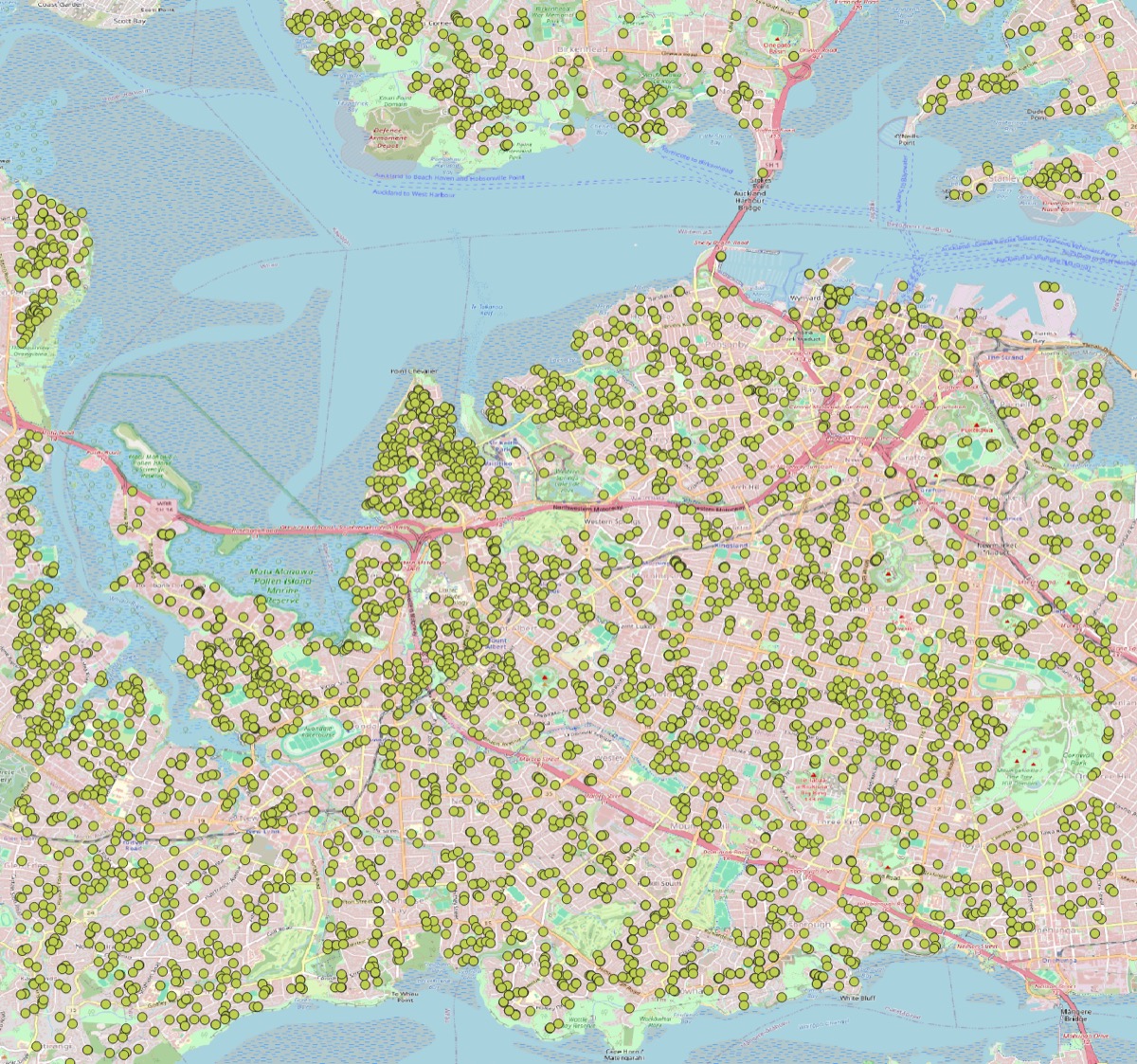
AI is being used to enhance the analysis capabilities of ArcGIS, particularly in the areas of image analysis and natural language processing. For example, AI can be used to automatically classify images, detect objects, and extract features from satellite imagery, using one of over 100 pre-trained deep-learning models. This can significantly speed up the process of analyzing large datasets and provide more accurate results. You can see an example of how I’ve used it to detect solar PV panels on roofs in Wellington
Also traditionally incorporated into ArcGIS, AI can be used to automate the process of data analysis, such as identifying patterns and trends in large datasets, through methods such as clustering, forest-based analysis, regression etc. This can help users to quickly identify areas of interest or concern, and make more informed decisions based on the data - along various dimension, including time spatiotemporal data cubes. I love the work the Spatial Statistics/Data Science Team at Esri is doing - have a look at their Hub Site if you’re keen to learn more about this kind of analysis in ArcGIS.
Less well-known is the ability to use AI to analyse text data, such as social media posts or news articles, to identify trends and patterns. This can be particularly useful for understanding public sentiment (think about posts in ArcGIS Hub sites for public engagement) or tracking the spread of information.
Other examples of AI analysis in ArcGIS include: link analysis, where AI can be used to identify relationships between different entities in a dataset, and spatial analysis, where AI can be used to identify patterns and trends in spatial data.
Assistance
Generative AI has been integrated into ArcGIS to assist users in various tasks, such as generating maps, creating data visualizations, and automating repetitive tasks. This can help users to save time and improve the quality of their work. Currently, several products have such capabilities, in a beta-stage, and need to be enabled in the ArcGIS Online organization settings. These include:
- ArcGIS Maps: Generative AI can be used to create Arcade expressions, based on user input in natural language. This can help users to quickly create maps that are tailored to their specific needs.
- ArcGIS InstantApps: Generative AI can be used to quickly create applications. This can help users to rapidly share data via applications that are tailored to their specific needs.
- ArcGIS Pro: Generative AI can be used to identify the right tools for the task, such as data entry and analysis. This can help users to save time and improve the quality of their work.
Human-in-the-loop
Human-in-the-loop AI has been one of the buzz words that Jack Dangermond mentioned: it is a concept that involves using AI to assist humans in decision-making processes, rather than replacing them. In ArcGIS, this can be used to enhance the accuracy and reliability of AI-generated results by allowing users to review and validate the results before they are used in decision-making processes.
Conclusion
Overall, the integration of AI into ArcGIS is a significant development that has the potential to revolutionize the way we work with spatial data. By enhancing the analysis capabilities of ArcGIS, automating repetitive tasks, and assisting users in decision-making processes, AI can help us to work more efficiently and effectively. As AI continues to evolve, we can expect to see even more exciting developments in this area in the future.
What a time to be alive!